The Azure Engineer/Architect Toolkit
Living blog post to recommend tooling.
Architect
Azure
Data Engineering
After running my blog on WordPress in Azure for almost six years, moving from the UK to Norway unexpectedly forced me to rethink my entire hosting strategy. Rather than simply rebuilding the existing platform, I took the opportunity to migrate to Hugo and Azure Static Web Apps, reducing the operational cost from around £55 per month to almost nothing while improving performance, security and maintainability.
One of the practical aspects of moving that I hadn’t considered was that by design, it is not possible to change the Billing Country nor Billing Currency in a Microsoft Customer Agreement. This was not a major issue as my Azure/M365 spend is relatively low but nevertheless I needed a solution as this affects not only my blog but other resources I have deployed too.
Long story short, I had to create a new tenant that had its billing profile in Norway so I will be able to be billed in NOK instead of GBP. I will talk about the M365 migration in a future post but now I had an immediate priority, what did I want to do with my blog hosting platform?
Although I haven’t worked directly in web development for a long time, I used ChatGPT and Codex as engineering assistants throughout the project to accelerate research, implementation and troubleshooting.

Whilst all of this worked for me for the past six years or so, it’s not been cheap to run. All of these components together cost around £55 a month to operate with the exception of the Azure App Service Managed Certificate. That was around £50 a year. I know I could have arranged that myself for free using something like LetsEncrypt or Cloudflare but I just wanted something easy to maintain. I could have gone for a managed wordpress instance on WordPress.com but you get limited control so I thought the PaaS solution was a good compromise. The trade-off of this is that there were 18 supporting components in the resource group.
Now this opportunity has presented itself to migrate across to a new tenant I started thinking about what I did and did not like with the WordPress setup.
Clearly, lifting and shifting the site between tenants/subscriptions was going to be a non-starter. Now I had to think about what I wanted to prioritise for the new hosting framework/platform:
| Priority | Requirement | Rationale |
|---|---|---|
| Must Have | Easy to migrate content from the existing WordPress site | The migration should minimise manual effort and preserve existing content, and metadata where possible. |
| Must Have | Cheap or free to operate | The solution should minimise ongoing hosting, licensing and maintenance costs. |
| Must Have | Use custom domain | The hosting platform should the support the use of custom domains. |
| Should Have | CI/CD for deployment | Changes should be automatically built, validated and deployed from source control using a CI/CD pipeline. |
| Should Have | Multiple language support | Especially now I live in Norway I want to make sure my content is accessible in both Norsk Bokmål and Norsk Nynorsk in addition to English. |
| Should Have | Not be reliant on third parties for core functionality | Core site functionality should be self-contained and not depend on external SaaS platforms or proprietary services beyond the hosting platform. |
| Should Have | Utilise open-source components where possible | Preference should be given to mature open-source technologies to reduce vendor lock-in and benefit from community support. |
| Should Have | More control over the site’s content and structure | The solution should support storing and serving site assets directly from the project repository, reducing reliance on external storage services and making the site more self-contained. |
| Should Have | Managed TLS Certificates | The hosting platform should have built-in managed TLS certificates, ideally without extra cost. |
| Could Have | Ability to work on the site while offline | The development workflow should support creating and editing content without an internet connection. |
| Could Have | Easy local development experience | I should be able to run, preview and test the site locally with minimal setup. |
| Could Have | Host in Microsoft Azure | Where practical, the solution should be deployable within Azure to align with existing skills and infrastructure. |
| Won’t Have (for now) | Dynamic CMS editing, user authentication, comments or other server-side functionality | These features are outside the scope of the initial migration and can be considered in the future if required. |
I captured these priorities and evaluated several frameworks against them. ChatGPT helped produce an initial comparison matrix, which I then refined based on my own requirements and experience. Each priority was scored 1-5 with 1 being poor and 5 being excellent.
| Requirement | Priority | Hugo | Eleventy | Astro | Jekyll | Next.js | Blazor WASM | Ghost | WordPress |
|---|---|---|---|---|---|---|---|---|---|
| Easy to migrate content from WordPress | Must | 4 | 4 | 3 | 4 | 3 | 2 | 5 | 5 |
| Cheap or free to operate | Must | 5 | 5 | 5 | 5 | 4 | 5 | 2 | 2 |
| Use custom domain | Must | N/A | N/A | N/A | N/A | N/A | N/A | N/A | N/A |
| CI/CD for deployment | Should | 5 | 5 | 5 | 4 | 5 | 5 | 3 | 3 |
| Multiple language support | Should | 5 | 3 | 4 | 3 | 4 | 4 | 2 | 4 |
| Not reliant on third parties for core functionality | Should | 5 | 5 | 5 | 5 | 4 | 5 | 4 | 4 |
| Utilise open-source components where possible | Should | 5 | 5 | 5 | 5 | 5 | 5 | 5 | 5 |
| More control over the site’s content and structure | Should | 5 | 5 | 5 | 5 | 4 | 5 | 3 | 2 |
| Managed TLS Certificates | Should | N/A | N/A | N/A | N/A | N/A | N/A | N/A | N/A |
| Ability to work on the site while offline | Could | 5 | 5 | 5 | 4 | 4 | 5 | 3 | 2 |
| Easy local development experience | Could | 4 | 4 | 4 | 3 | 4 | 5 | 3 | 4 |
| Host in Microsoft Azure | Could | 5 | 5 | 5 | 5 | 5 | 5 | 4 | 5 |
Lots of choice but Ghost and WordPress were immediately removed from consideration because of operational costs not meeting my requirements. Blazor WASM was also immediately discounted as its biggest weakness in the context of my requirements is content management.
Hugo was the clear winner from this comparison but loses out on full marks because it doesn’t get full IDE/Debugging support like Blazor WASM does in Visual Studio and there’s some manual work involved in transferring WordPress content over.
Framework Choice: Hugo
I repeated the same exercise for the hosting platform but with the added constraint of natively supporting Hugo static sites.
| Requirement | Priority | Azure Static Web Apps | Azure App Service | GitHub Pages | Cloudflare Pages | Netlify | Vercel |
|---|---|---|---|---|---|---|---|
| Cheap or free to operate | Must | 5 | 2 | 5 | 5 | 5 | 5 |
| Custom domains | Must | 5 | 5 | 4 | 5 | 5 | 5 |
| Native support for Hugo deployment | Must | 5 | 3 | 4 | 5 | 5 | 5 |
| CI/CD for deployment | Should | 4 | 5 | 4 | 5 | 5 | 5 |
| Multiple language support | Should | 5 | 5 | 5 | 5 | 5 | 5 |
| Not reliant on third parties for core functionality | Should | 5 | 5 | 4 | 3 | 3 | 3 |
| Utilise open-source components where possible | Should | 5 | 5 | 5 | 5 | 5 | 5 |
| More control over the site’s content and structure | Should | 5 | 5 | 5 | 5 | 5 | 5 |
| Managed TLS certificates | Should | 5 | 5 | 4 | 5 | 5 | 5 |
| Ability to work on the site while offline | Could | 5 | 5 | 5 | 5 | 5 | 5 |
| Easy local development experience | Could | 5 | 5 | 4 | 5 | 5 | 5 |
| Host in Microsoft Azure | Could | 5 | 5 | 1 | 1 | 1 | 1 |
Given my Azure background and the scoring against my requirements, Azure Static Web Apps was the clear choice.
Platform Choice: Azure Static Web Apps
This was probably the hardest part because I’d never worked with Hugo previously and wasn’t sure what to expect. First, I made a new repo in my GitHub account. Then I had to think a lot about the appearance of the new site. As Hugo is a much newer platform than WordPress, there are fewer themes available. I spent an evening browsing the available themes on GoHugo and ended up settling for CareerCanvas by Felipe Cordero.

After cloning the repo locally, I then spent a good while customising the site to my preferences and making the content/site structure applicable to my personal profile. I also spent a lot of time making localised translations for my CV and other “static content”. One area where ChatGPT Work Mode genuinely saved a lot of time was localisation. I used it to generate Bokmål and Nynorsk versions of my Markdown files, then reviewed and refined the output myself. Apologies to my Norwegian teacher Ingrid, if you’re reading this. I was very impressed with the output. The translations were grammatically correct, read naturally rather than literally, and retained English technical terms where appropriate. This really sped up the development process.
I made a few changes to the CSS/theme layout partials to improve performance and change the layout to how I wanted. For instance, I configured SVG flags instead of assuming browsers would load the correct flag emoji. The DevIcon library used in the techstack section of the site is missing some technologies I use so I brought in some local SVG files that are used instead which look better than the backup FontAwesome icons.
I’ve found the i18n functionality in Hugo for translations really useful. Just define translation configuration TOML files with consistent language keys and you can dynamically change text depending on localisation.
During my research, I discovered the WP2Hugo Project which downloads all content from a WordPress site and automatically converts all pages/posts into markdown. It also downloads all media. This was much quicker than I had originally envisaged, which involved exporting the WordPress XML manually before converting it myself.
This also gave me a chance to tidy up the content and make sure that the metadata was consistent. I then bulk translated all the historic blog posts. This one took a bit more effort than before as work/agent mode wasn’t that efficient with the translations using the model I had selected (GPT 5.6 Terra Medium). I had to do several iterations for all the text to get translated. It also seemed to consistently miss comments in code blocks.
This was really simple. I just made a static web app in my new subscription, pointed it to the main branch of my GitHub repo and that was configured. I have reduced my Azure footprint in this context from 18 to 1. In hindsight, I should have done this at the beginning of the project so the config was in place in my feature branch. Anyway, configured the GitHub actions workflow, pulling in Microsoft Clarity project Id and Google Analytics tag configurations from the repo secrets on deployment. Deployment consistently takes under 2 minutes. Much faster than having to maintain the WordPress site where engine or plugin updates could take a while to complete.


It took a bit of trial and error but the deployments eventually triggered after every merge into the main branch. Not needed in feature branches as I can run the site locally.
This took the most time. I must have spent a few days on this. First thing I did after deploying was get my partner to access the site. Some things weren’t loading on Safari and Firefox on iOS but were fine on other browsers. I really wasn’t sure why this was happening. I investigated the issues with the help of ChatGPT, eventually tracing the problem to layout partials that weren’t optimised for mobile browsers. After getting that working, I ran a PageSpeed Insights report on the site and it suggested quite a few points of improvement in Performance, Accessibility, Best Practices, SEO and Agentic Browsing over several iterations.
| Platform | First Report | Final Report |
|---|---|---|
| Mobile |  |  |
| Desktop |  |  |
It’s worth noting that the PageSpeed Insights mobile report simulates a poor 4G connection, which somewhat skews the results. I worked through each PageSpeed report, using ChatGPT to explain unfamiliar recommendations and suggest potential improvements.
Key Issues resolved:
This was a fun project allowing me to massively improve the hosting of my blog site without costing lots of money. It taught me a lot about how static sites work and how much more modern/dynamic than their CMS ancestors like WordPress.
More importantly, the migration reduced my Azure footprint from eighteen resources to one while improving performance, security, maintainability and reducing operational costs to almost zero.
Throughout the project I used ChatGPT and Codex as engineering assistants rather than code generators. They were invaluable for exploring unfamiliar areas, generating initial implementations and explaining browser behaviour, but every architectural decision, code review and final implementation remained my responsibility.
To conclude, moving countries unexpectedly became the catalyst for modernising my entire blogging platform and, in hindsight, I’m very pleased with the outcome.
Living blog post to recommend tooling.

Walkthrough of how to restore databases from Azure Recovery Services to SQL Server in VM

Reusable template for making a Network Security Group the AzureBastionSubnet.
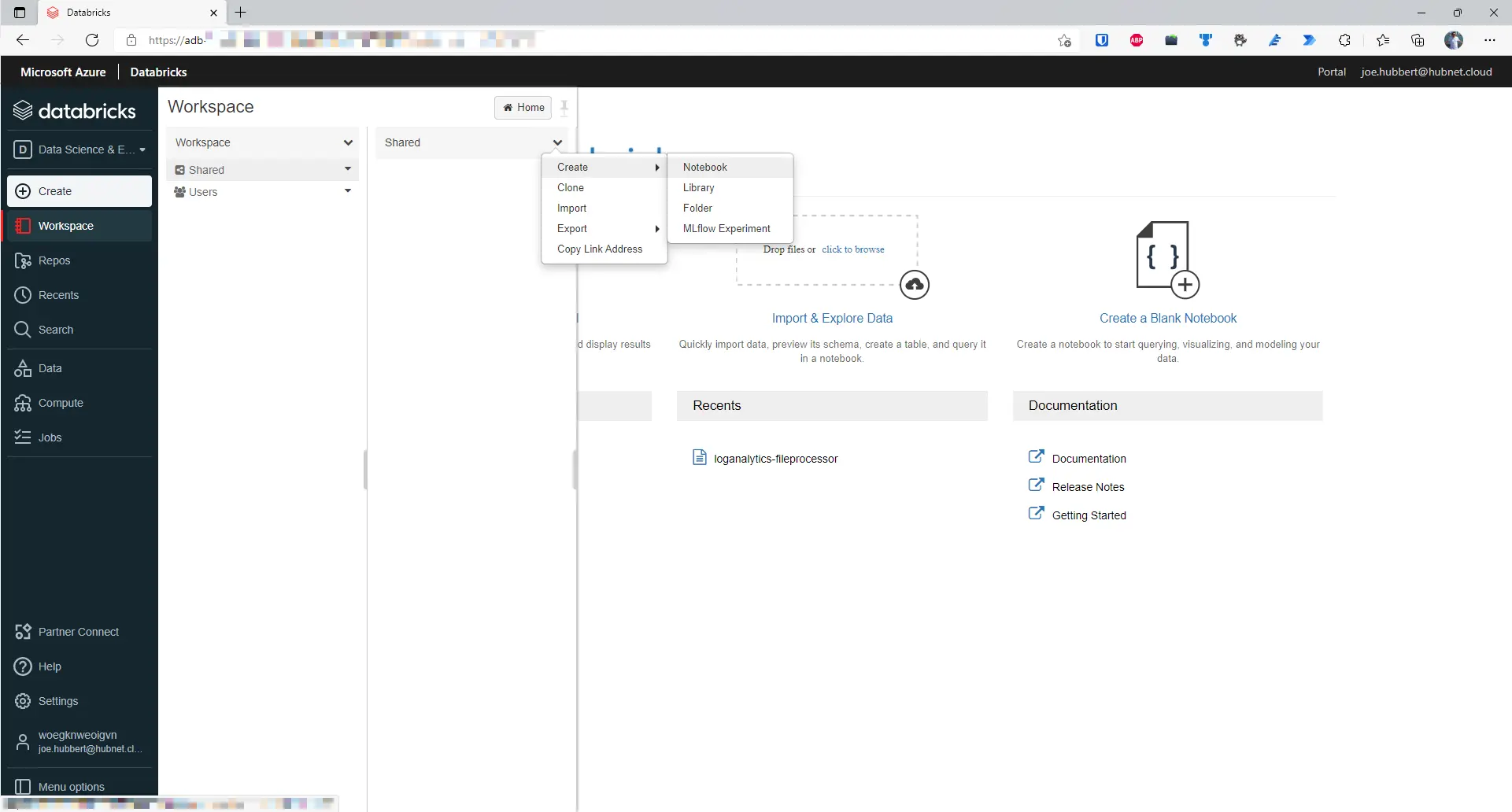
Part 3 of Reporting on Log Analytics data series.
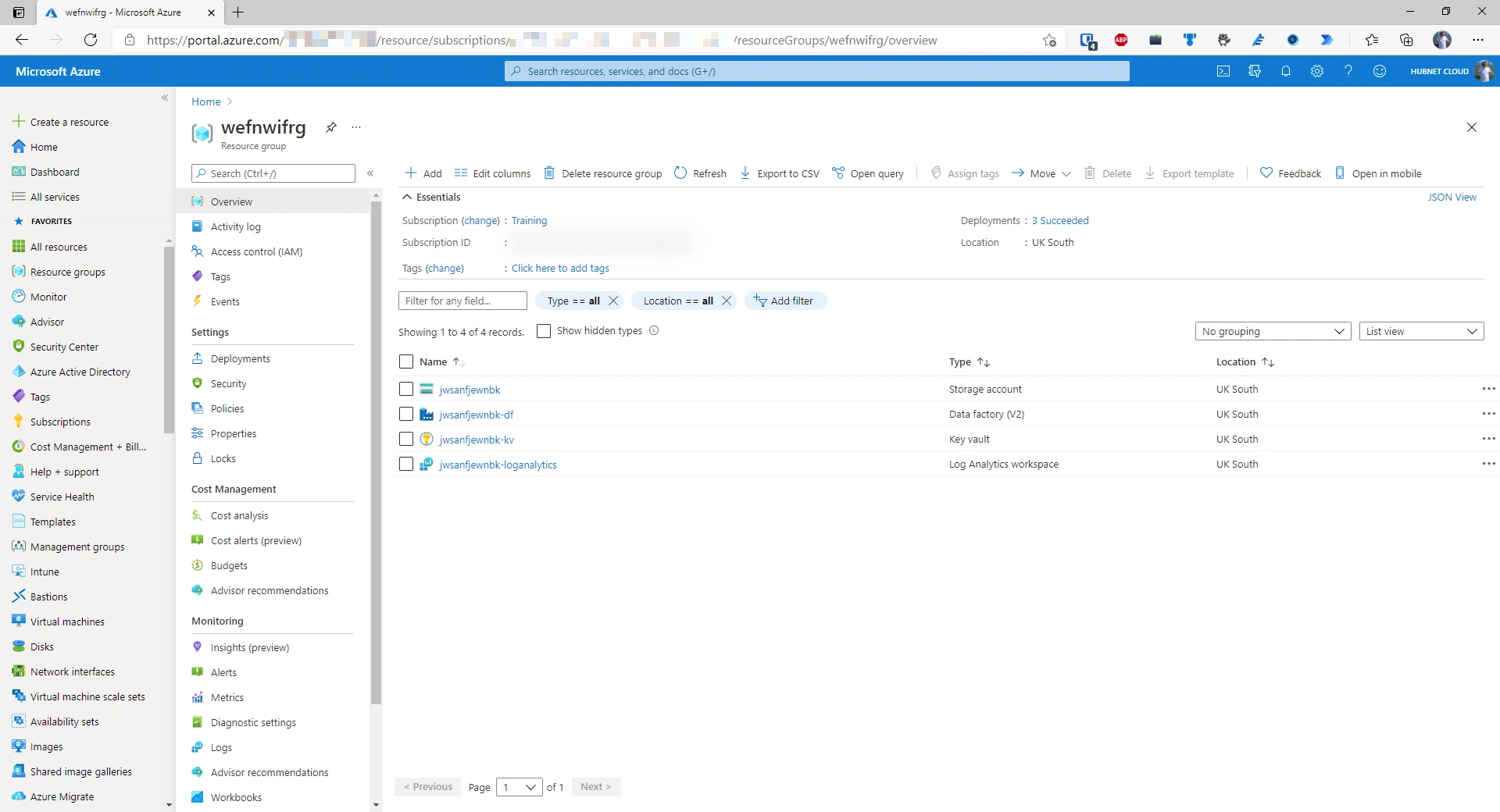
Part 1 of Reporting on Log Analytics data series.

Summary of Microsoft Ignite event in March 2021.
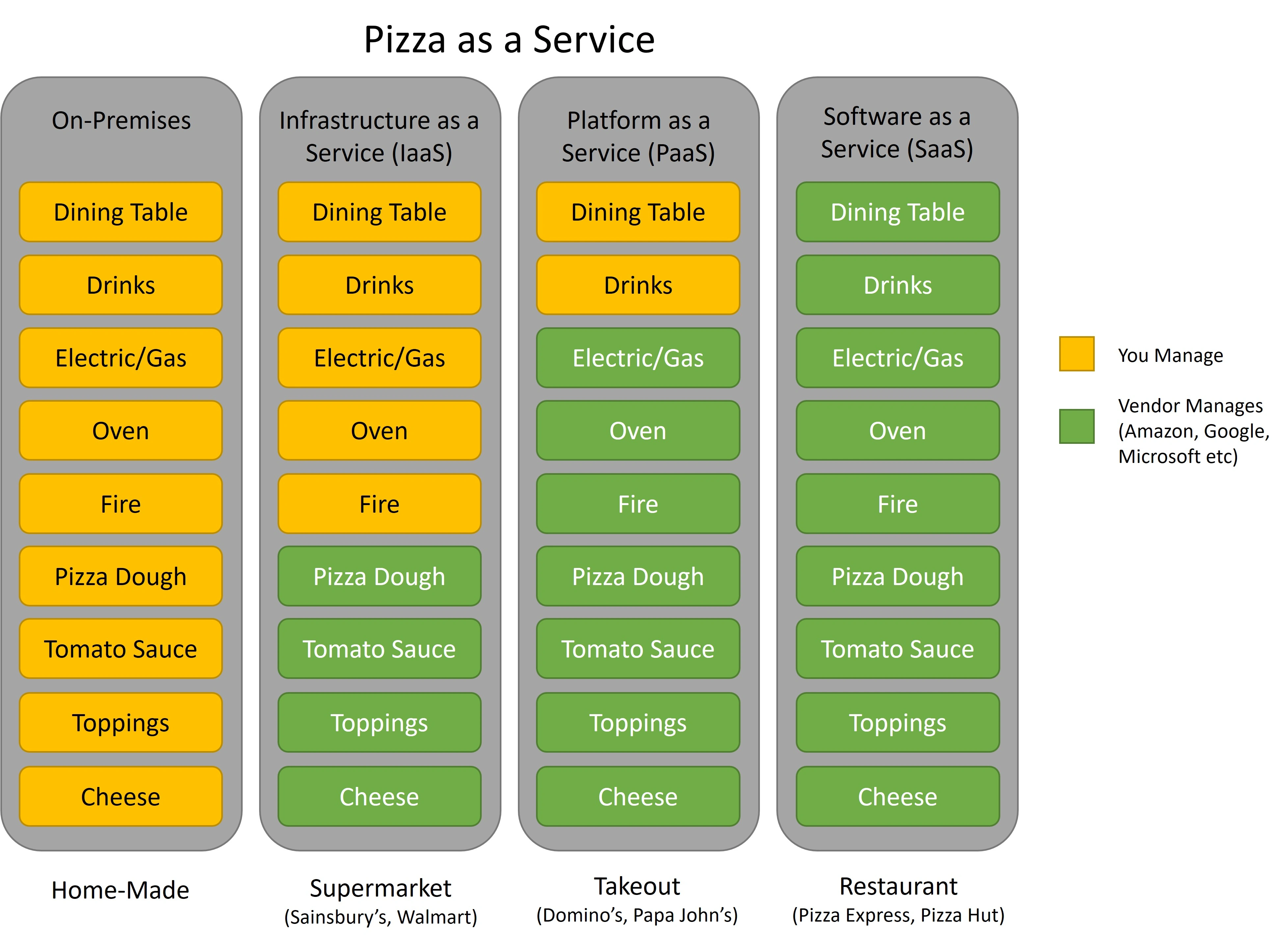
Explaination of differences between Iaas vs Paas vs Saas
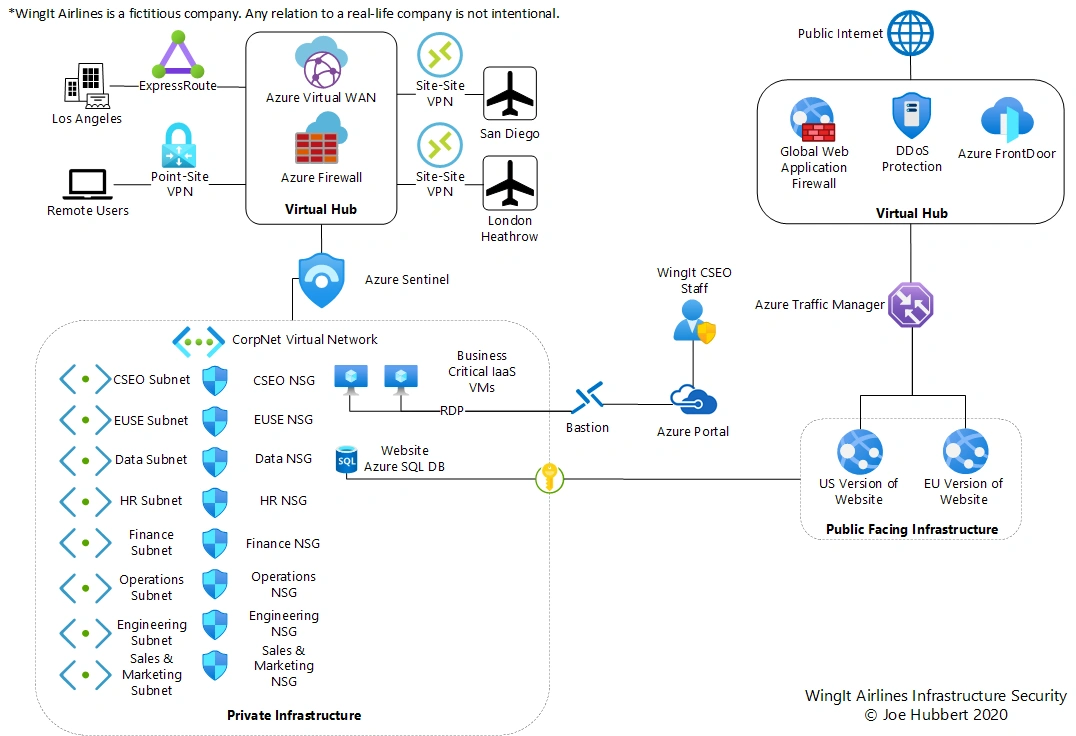
Architecture example of connecting multiple sites using Azure.